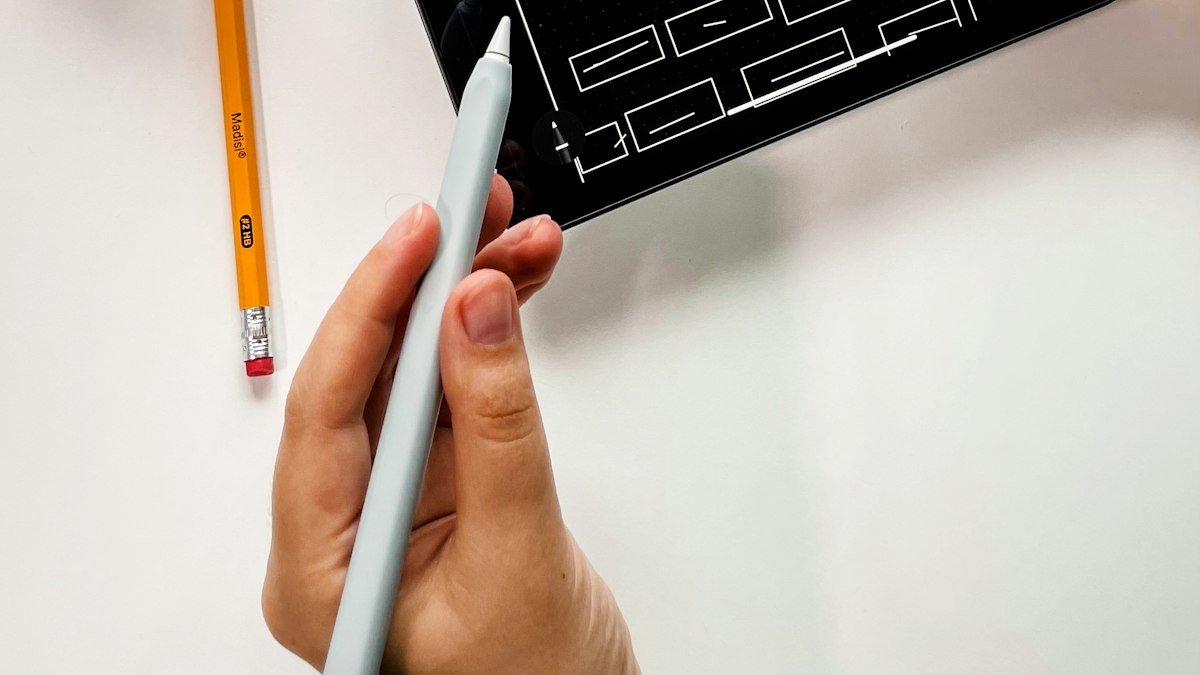
What is UI/UX design?
UX (user experience) design is about how something works: the structure, journeys and decisions a person goes through to complete a task. UI (user interface) design is how it looks and feels: layout, typography, colour, buttons and visual details. Good products need both. A beautiful interface on a confusing journey still loses customers, and a logical journey with an untrustworthy look still struggles to convert.
Our designers work side by side with our web and app developers, so every design we create is realistic to build, fast to load and accessible.
What we design
Websites
Business websites, lead-generation sites and landing pages where every page has a clear purpose and a clear next step.
Ecommerce stores
Homepages, category pages, product pages, baskets and checkouts designed to increase conversion and order value. See ecommerce solutions.
Mobile apps
iOS and Android app interfaces, from onboarding to everyday use, designed for thumbs, small screens and short attention spans.
Web applications and SaaS
Dashboards, portals, booking systems and internal tools where complex information needs to feel simple.
Redesigns
Improving an existing website or app based on evidence: analytics, recordings, user feedback and testing. See website redesign.
Design systems
Reusable component libraries and style guides that keep large websites and products consistent as they grow.
Our UI/UX design process
1. Research and discovery
We start by understanding your users and business goals. Depending on the project, this includes stakeholder interviews, competitor reviews, analytics, heatmaps, session recordings, customer surveys and user interviews.
2. Information architecture
We organise your content and features into a structure that matches how users think, not how your organisation is structured internally. This includes navigation, page hierarchy and naming.
3. User journeys and flows
We map the key tasks people come to complete, such as requesting a quote, booking an appointment or buying a product, and remove every unnecessary step.
4. Wireframes
Simple layouts that focus on structure and content before visual design. Wireframes make it fast and cheap to try different approaches.
5. Visual design
We apply your brand to create polished interfaces, defining typography, colour, imagery, icons, spacing and interactive states. If your brand needs work first, our logo and branding team can help.
6. Interactive prototypes
Clickable prototypes you can use on your own phone and computer, so you experience the product before development starts.
7. Usability testing
We test prototypes with real users completing real tasks, then fix what confuses them. Even five test sessions uncover most major usability problems.
8. Developer handover
Detailed specifications, assets and component documentation. Because our own developers usually build the result, nothing gets lost between design and code.
Visitors arriving but not enquiring?
Send us your website. We’ll record a free 5-minute video walking through the biggest usability problems we see and how to fix them.
Principles behind every design we create
Clarity over cleverness
Visitors should know within five seconds what you do, who it is for and what to do next.
One primary action per page
Every page has a main goal, and the design makes that action obvious without shouting.
Mobile first
Most visitors arrive on a phone, so we design for small screens first and expand for larger ones.
Accessible by default
We design to WCAG 2.2 AA: sufficient colour contrast, readable type sizes, keyboard navigation, clear focus states and meaningful labels. Accessible design widens your audience and supports SEO.
Speed is part of the experience
Large images, heavy animations and unnecessary scripts make interfaces feel slow. We design with performance budgets in mind.
Trust at the point of decision
Reviews, guarantees, accreditations and clear pricing appear where people are deciding, not hidden on another page.
Common UX problems we fix
- Navigation with too many options or unclear labels
- Homepages that talk about the company instead of the customer's problem
- Calls to action that are hidden, vague or competing with each other
- Forms that ask for too much information
- Checkout flows with unnecessary steps or surprise costs
- Mobile menus and buttons that are hard to tap
- Text that is too small or low in contrast
- Pages with no clear next step
How good UX affects your bottom line
| UX improvement | Typical business impact |
|---|---|
| Clearer value proposition above the fold | More visitors stay and explore |
| Shorter, simpler forms | More completed enquiries |
| Streamlined checkout | Fewer abandoned baskets |
| Better mobile navigation | Higher mobile conversion |
| Visible trust signals | More confident buying decisions |
| Faster perceived load | Lower bounce rates |
Pair UX improvements with digital marketing and every pound spent on traffic works harder.
UX research methods we use
| Method | What it tells us | When we use it |
|---|---|---|
| Analytics review | Where visitors come from, where they drop off, which pages convert | Every redesign |
| Heatmaps and session recordings | Where people click, scroll and get stuck | Websites and ecommerce |
| Stakeholder interviews | Business goals, constraints and internal knowledge | Every project |
| Customer interviews | Motivations, objections and language customers use | New products and major redesigns |
| Surveys | Patterns across a larger group of users | Established products with an audience |
| Competitor analysis | What customers are used to and where competitors fall short | Every project |
| Card sorting | How users expect content to be grouped | Navigation and large websites |
| Usability testing | Whether real people can complete key tasks | Prototypes before development |
| A/B testing | Which version performs better with live traffic | High-traffic pages after launch |
You do not need every method on every project. We recommend the right level of research for your goals and budget.
Designing for conversion on local business websites
A clear hero section
A headline that states exactly what you do and where, a short supporting line, and two clear actions: request a quote and call.
Trust signals near the top
Review ratings, years in business, accreditations and recognisable client logos, placed where visitors decide whether to stay.
Service pages that answer questions
What is included, how much it costs, how long it takes, what the process is and what customers say. People who have their questions answered enquire with more confidence.
Visible contact options everywhere
Phone, WhatsApp and a short form, with a sticky call bar on mobile so contacting you is always one tap away.
Real photos
Your team, your premises and your work. Real images consistently build more trust than generic stock photography.
Fast, simple forms
Only the fields you need, clear labels, helpful error messages and a confirmation that explains what happens next.
Accessibility is good design
Around one in five people in the UK has a disability, and many more have temporary or situational impairments, such as using a phone in bright sunlight or with one hand. Designing accessibly means more people can use your website or app, and it often improves the experience for everyone.
Our accessibility practice includes colour contrast checks, readable font sizes, clear focus states for keyboard users, descriptive link text, meaningful image alternatives, logical heading structure, form labels, error messages that explain how to fix the problem, and respecting users' reduced-motion settings.
UI/UX design pricing
| Project | Typical range |
|---|---|
| UX audit with recommendations | from £99 |
| Landing page design | from £149 |
| Website UI/UX design (design only) | from £399 |
| App UI/UX design (MVP) | from £799 |
| Design system | Quoted per project |
All prices exclude VAT. Design is included in our full web development and app development projects; these prices apply when you need design only. See pricing.
Tools we use
Figma for design, prototyping and design systems; Maze and moderated sessions for usability testing; Hotjar or Microsoft Clarity for heatmaps and recordings; Google Analytics 4 for behaviour data.
Why choose DouxTech for UI/UX design
- Designers and developers in one team, so designs are built exactly as intended
- Evidence-based decisions drawn from research, data and testing
- Conversion-focused: we design for business outcomes, not just awards
- Accessible and fast by default
- A real Bedford office at 93 Ford End Road for workshops and reviews
- Experience across websites, ecommerce, apps and portals
UI/UX design for Bedford businesses and beyond
We design for businesses in Bedford, across Bedfordshire, Milton Keynes and Northampton, and for clients throughout the UK and internationally. Workshops and testing sessions can take place at our Bedford office or remotely.
Frequently asked questions
What's the difference between UI and UX?
UX is how the product works and how easy it is to complete tasks. UI is the visual layer people see and interact with. We deliver both together.
Do I need UX design for a small website?
Yes, scaled to the project. Even a small site benefits from a clear structure, focused pages and an obvious next step. For small sites, UX is built into our standard web development process.
Can you design and someone else build?
Yes. We provide full Figma files, specifications and assets for your developers.
How long does UI/UX design take?
A landing page can take a few days. A full website design typically takes 2–4 weeks. App design for an MVP usually takes 3–6 weeks.
Do you test designs with real users?
Yes. Usability testing is included in larger projects and available as an add-on for smaller ones.
Will the design match my brand?
Yes. We work within your brand guidelines or help you create them first.
Can you improve conversion on my existing site without a redesign?
Often, yes. A UX audit frequently identifies quick fixes, such as clearer calls to action, shorter forms and better mobile navigation, that improve results without rebuilding the site.
Can you work with our in-house developers?
Yes. We provide organised Figma files, component documentation and design tokens, and we are happy to join developer stand-ups during the build.
Last updated: 17 November 2026 · DouxTech, Bedford (since 2014)